
Introduction
Have you ever played a game that felt choppy or slow? Or maybe you’ve heard gamers talk about “FPS” and wondered what it means. FPS stands for frames per second. It’s one of the most important things that affects how your games look and feel.
Simply put, what is good FPS for gaming depends on the type of game you play and your hardware. But don’t worry—this guide will break everything down in plain English.
By the end, you’ll know exactly what FPS is, why it matters, and what frame rate you should aim for. Let’s dive in!
Table of Contents
What Is FPS in Gaming?
FPS stands for frames per second. It measures how many individual images (frames) your computer shows on your screen every second while you play a game.
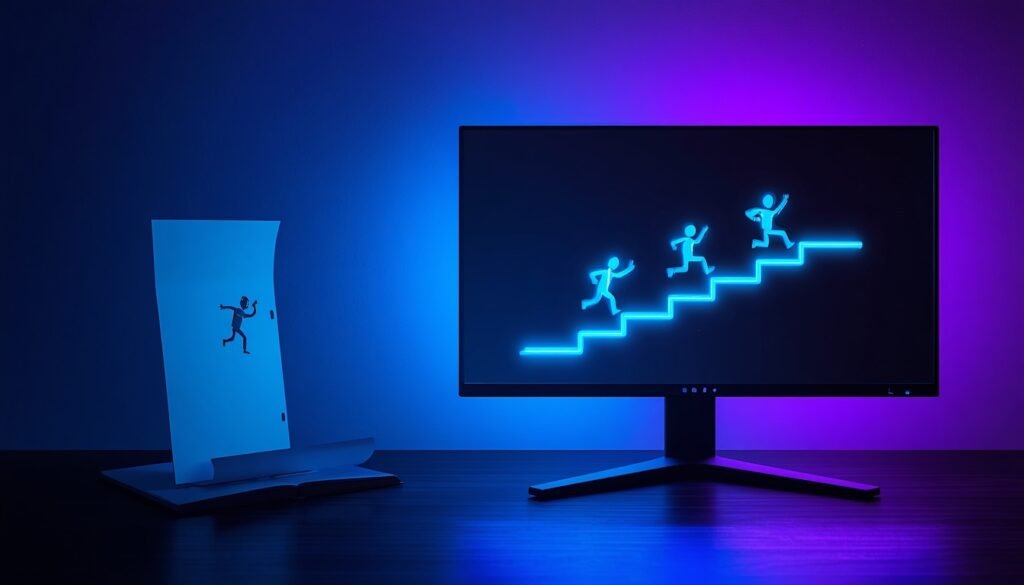
Think of it like a flipbook. The more pages you flip through each second, the smoother the animation looks. At 30 FPS, you see 30 images per second. At 60 FPS, you see twice as many—60 images per second. That makes everything look much smoother.
Key point: Higher FPS = smoother gameplay. Lower FPS = choppier gameplay.
Note: FPS can also mean “first-person shooter” (a type of game). But in this guide, we’re talking about frames per second.
Why Does FPS Matter?
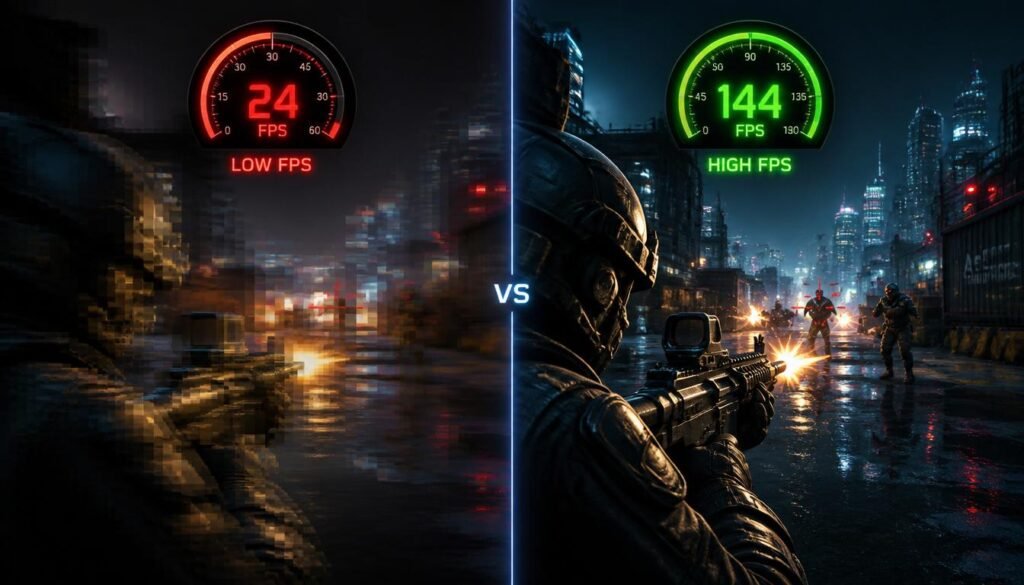
FPS isn’t just a number. It directly affects your gaming experience in three big ways:
1. Smoothness
Higher FPS makes movement look fluid and natural. Fast actions—like turning around or dodging—look clean instead of blurry.
2. Responsiveness (Less Input Lag)
Input lag is the delay between when you press a button and when you see the action on screen. Higher FPS reduces this delay, so your game reacts faster to your inputs. This is huge in competitive games where every millisecond counts.
3. Better Aiming and Reaction Time
Studies show that players with higher FPS aim more accurately and react faster than those with lower frame rates. In games like Valorant or Call of Duty, that extra smoothness can be the difference between winning and losing.
What Is Good FPS for Gaming?
The short answer: 60 FPS is good for most gamers. But the “right” FPS depends on what kind of games you play and what hardware you have.
Let’s break down the most common FPS targets:
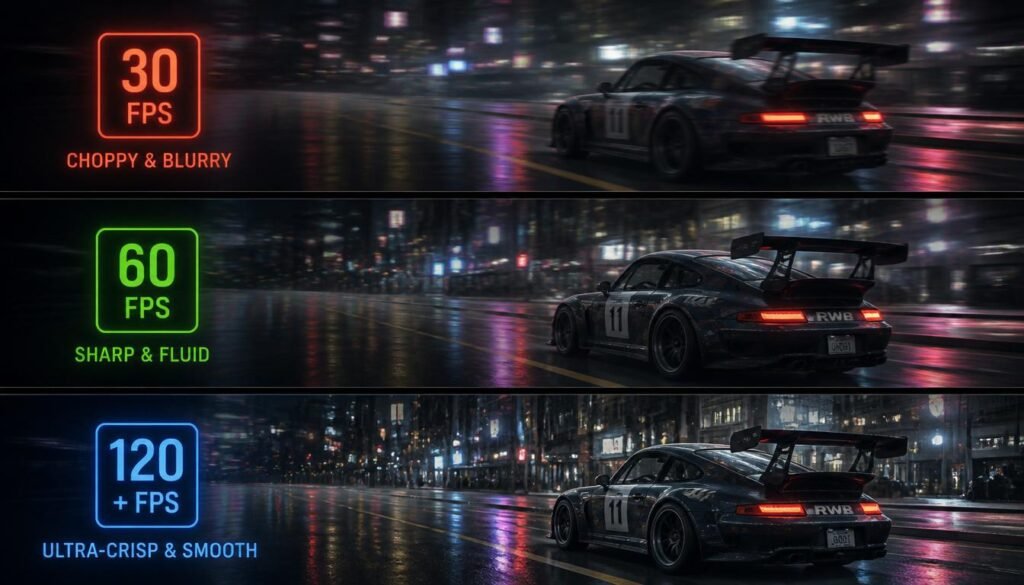
30 FPS – The Bare Minimum
- What it feels like: Playable but slightly choppy.
- Who it’s for: Slower games like puzzle games, strategy games, or story-driven adventures.
- The reality: 30 FPS is considered the minimum for a game to be enjoyable. Anything below 30 FPS starts to feel unplayable.
60 FPS – The Gold Standard
- What it feels like: Smooth, responsive, and fluid.
- Who it’s for: Most casual and single-player gamers.
- The reality: 60 FPS is often called the “gold standard” for gaming. It offers a great balance between visual quality and smooth performance. A decent gaming PC can hit 60 FPS in most games.
120 FPS and Beyond – Competitive Level
- What it feels like: Ultra-smooth and highly responsive.
- Who it’s for: Competitive and esports players.
- The reality: Frame rates of 120 FPS, 144 FPS, or even 240 FPS give serious players a competitive edge. The game responds faster, motion blur is reduced, and tracking moving targets becomes easier.
So, what is good FPS for gaming? For most people, 60 FPS is the sweet spot. If you play competitive shooters, aim for 120 FPS or higher.
FPS by Game Type
Different games benefit from different frame rates. Here’s a simple guide:
| Game Type | Minimum FPS | Ideal FPS |
|---|---|---|
| Story-driven RPGs (e.g., Elden Ring) | 30 FPS | 60 FPS |
| Action/Adventure games | 45 FPS | 60+ FPS |
| Strategy/Simulation games | 30 FPS | 60+ FPS |
| Competitive shooters (e.g., CS2, Valorant) | 60 FPS | 120–144+ FPS |
| Online FPS games | 60 FPS | 144+ FPS |
FPS and Your Monitor’s Refresh Rate
Here’s something many beginners don’t know: your monitor limits how much FPS you can actually see.
Refresh rate is measured in Hertz (Hz) . It tells you how many times your monitor updates the image per second.
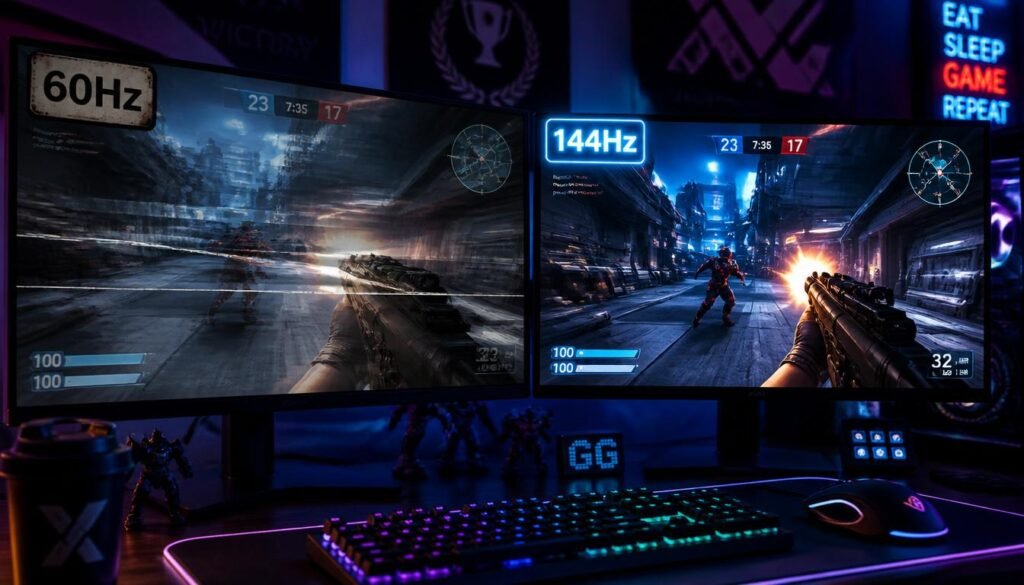
- A 60Hz monitor can show up to 60 FPS.
- A 144Hz monitor can show up to 144 FPS.
- A 240Hz monitor can show up to 240 FPS.
Important: If your PC produces 120 FPS but your monitor is only 60Hz, you’ll only see 60 FPS. The extra frames are wasted.
So before you chase super-high FPS, check your monitor’s refresh rate. For most gamers, a 144Hz monitor offers the best balance of smoothness and affordability.
How to Check Your FPS
Want to know what FPS you’re getting right now? Here are three easy ways:
- In-game settings – Many games have an FPS counter you can turn on in the options menu.
- NVIDIA GeForce Experience – Press
Alt + Zand turn on the performance overlay. - Steam – Go to Settings > In-Game > In-Game FPS Counter.
How to Get Better FPS
If your FPS is too low, don’t panic. Here are simple ways to boost it:
1. Lower Graphics Settings
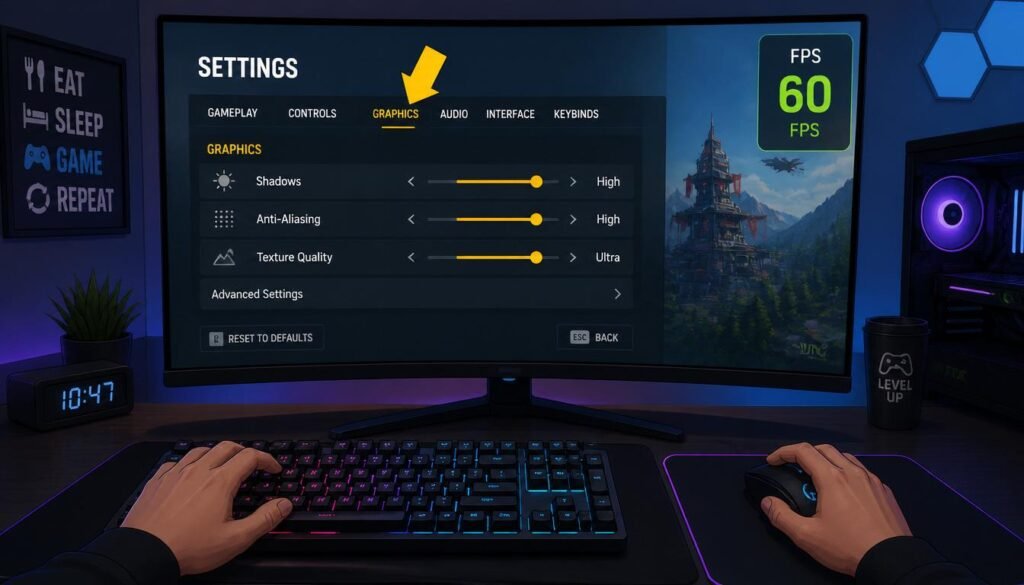
Turn down settings like shadows, anti-aliasing, and texture quality. This reduces the work your graphics card has to do.
2. Close Background Programs
Apps running in the background use up your computer’s power. Close them before you play.
3. Update Your Graphics Drivers
Outdated drivers can hurt performance. Keep them updated for the best FPS.
4. Lower Your Screen Resolution
Playing at 1080p instead of 4K can dramatically boost FPS.
5. Upgrade Your Hardware
If nothing else works, consider upgrading your GPU (graphics card) or CPU. These are the two most important parts for gaming performance.
Common FPS Mistakes
Avoid these pitfalls when chasing better FPS:
❌ Chasing 240 FPS on a 60Hz Monitor
You won’t see the benefit. Match your FPS to your monitor’s refresh rate.
❌ Ignoring Frame Drops
A steady 60 FPS feels better than jumping between 80 and 120 FPS. Consistency matters more than peak numbers.
❌ Maxing Out Settings on Weak Hardware
High settings look pretty, but they kill your FPS. Find a balance that works for you.
❌ Forgetting About Your CPU
Your CPU matters too. A weak CPU can hold back even the best graphics card.
Frequently Asked Questions
What is good FPS for gaming on PC?
60 FPS is considered good for most PC gamers. It offers smooth, responsive gameplay and is achievable on most mid-range systems.
Is 30 FPS good for gaming?
30 FPS is playable but not ideal. It works for slower games like strategy or story-driven titles, but fast-paced games feel choppy at 30 FPS.
Is 120 FPS good for gaming?
Yes! 120 FPS is excellent for gaming. It provides ultra-smooth visuals and is the go-to choice for competitive players.
Can the human eye see 240 FPS?
The human eye doesn’t see in “frames” like a camera. But many people—especially esports players—can notice the difference between 60 FPS and 240 FPS, particularly in terms of smoothness and input lag.
What FPS do I need for competitive gaming?
For competitive shooters like CS2, Valorant, or Call of Duty, aim for 120 FPS to 144 FPS or higher.
Does higher FPS give an advantage?
Yes. Higher FPS reduces input lag and makes movements smoother. This helps you react faster and aim more accurately.
What FPS should I aim for with a 144Hz monitor?
Aim for 144 FPS to match your monitor’s refresh rate. This gives you the smoothest possible experience.
Conclusion
So, what is good FPS for gaming? Here’s the bottom line:
- 60 FPS is the gold standard for most gamers. It’s smooth, responsive, and works great for most games.
- 30 FPS is the bare minimum. It’s okay for slow games but feels choppy in fast action.
- 120 FPS and above is for competitive players who want every possible advantage.
Remember, your monitor’s refresh rate matters just as much as your FPS. A 60Hz monitor can only show 60 FPS, so there’s no point chasing 144 FPS without a 144Hz screen.
Start by checking your current FPS. Then use the tips in this guide to boost it if needed. Whether you’re a casual gamer or an aspiring esports pro, finding the right FPS will make your games look better, feel better, and—most importantly—be more fun.
Happy gaming! 🎮